镜像下载链接(本次安装申请的是服务器版本的):
银河麒麟高级服务器操作系统V10:https://www.kylinos.cn/scheme/server/1.html
下载完毕后,操作安装(KVM)
# qemu-img create -f qcow2 /cache2/ISO/Kylin_v10_8.qcow2 40G
Formatting '/cache2/ISO/Kylin_v10_8.qcow2', fmt=qcow2 size=42949672960 encryption=off cluster_size=65536 lazy_refcounts=off

# qemu-img info /cache2/ISO/Kylin_v10_8.qcow2
image: /cache2/ISO/Kylin_v10_8.qcow2
file format: qcow2
virtual size: 40G (42949672960 bytes)
disk size: 196K
cluster_size: 65536
Format specific information:
    compat: 1.1
    lazy refcounts: false

# virt-install --name Kylin_v10_8 --virt-type kvm --ram 8192 --vcpus=4 --cdrom=/cache2/ISO/Kylin-Server-10-8.2-Release-Build09-20211104-X86_64.iso --disk path=/cache2/ISO/Kylin_v10_8.qcow2,size=40,format=qcow2 --graphics vnc,listen=0.0.0.0,port=5971,password=*** --noautoconsole
WARNING  No operating system detected, VM performance may suffer. Specify an OS with --os-variant for optimal results.

Starting install...
Domain installation still in progress. You can reconnect to
the console to complete the installation process.
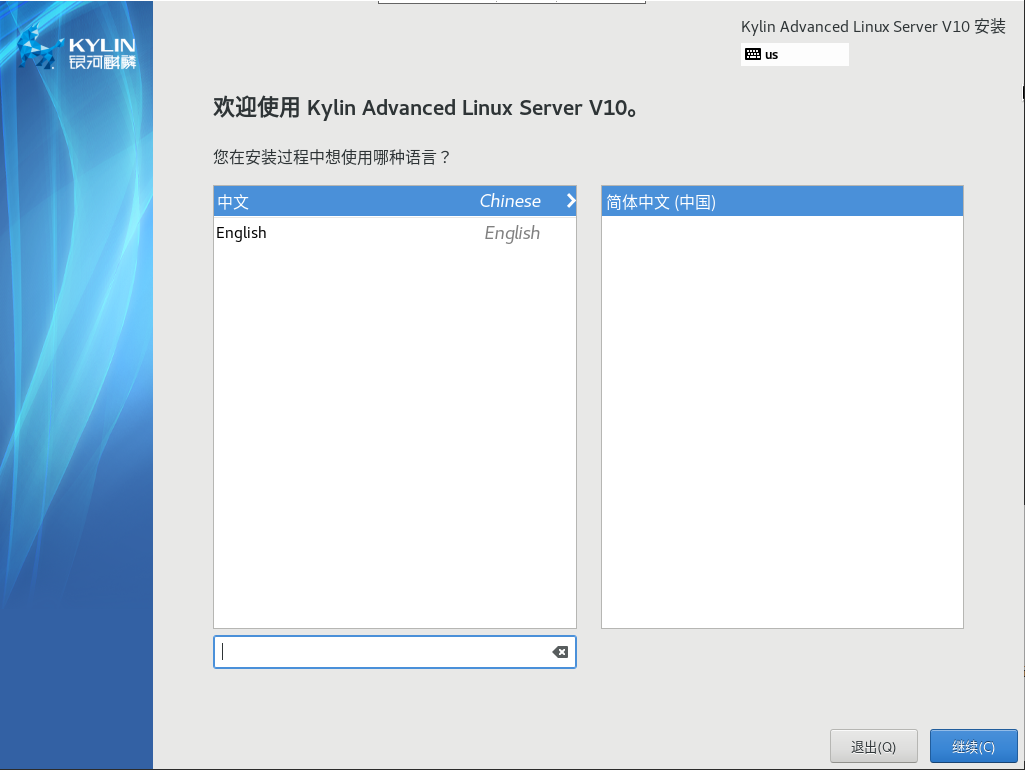
安装界面如下:
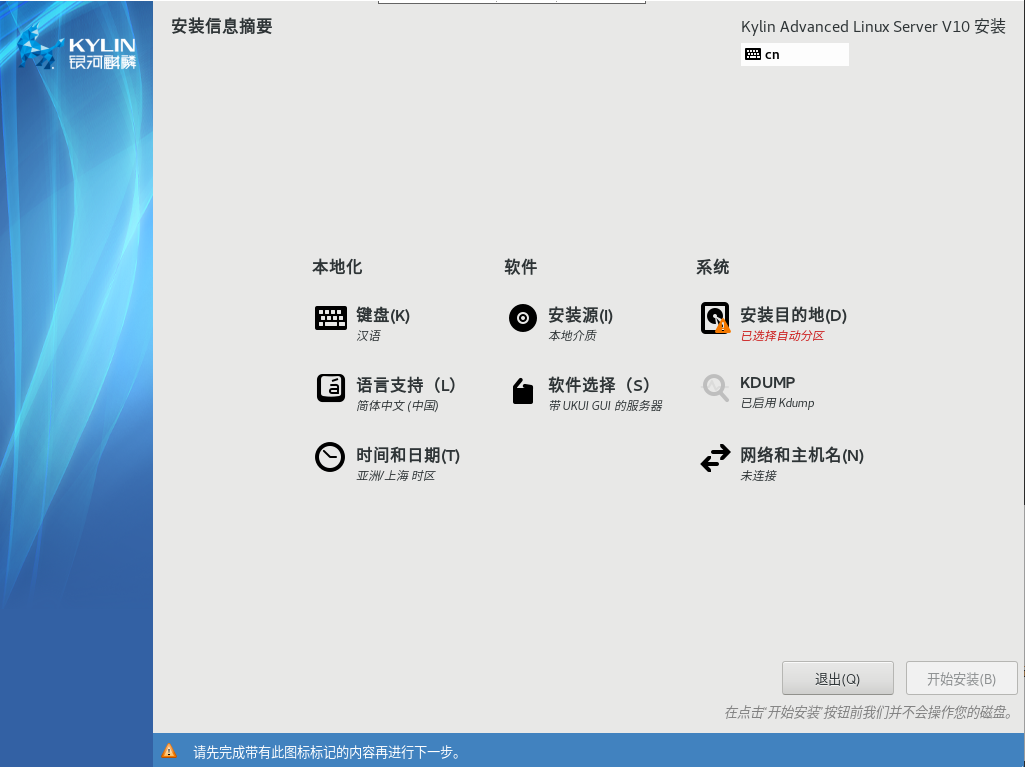
点击“系统”--》“安装目的地”
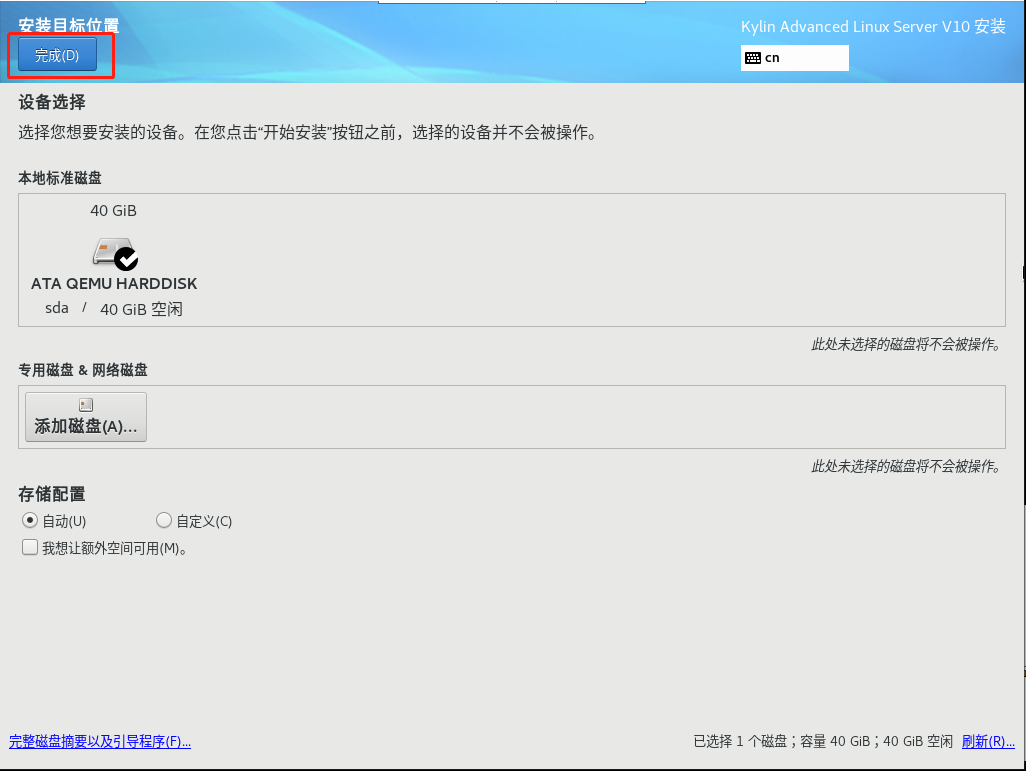
点击“完成”
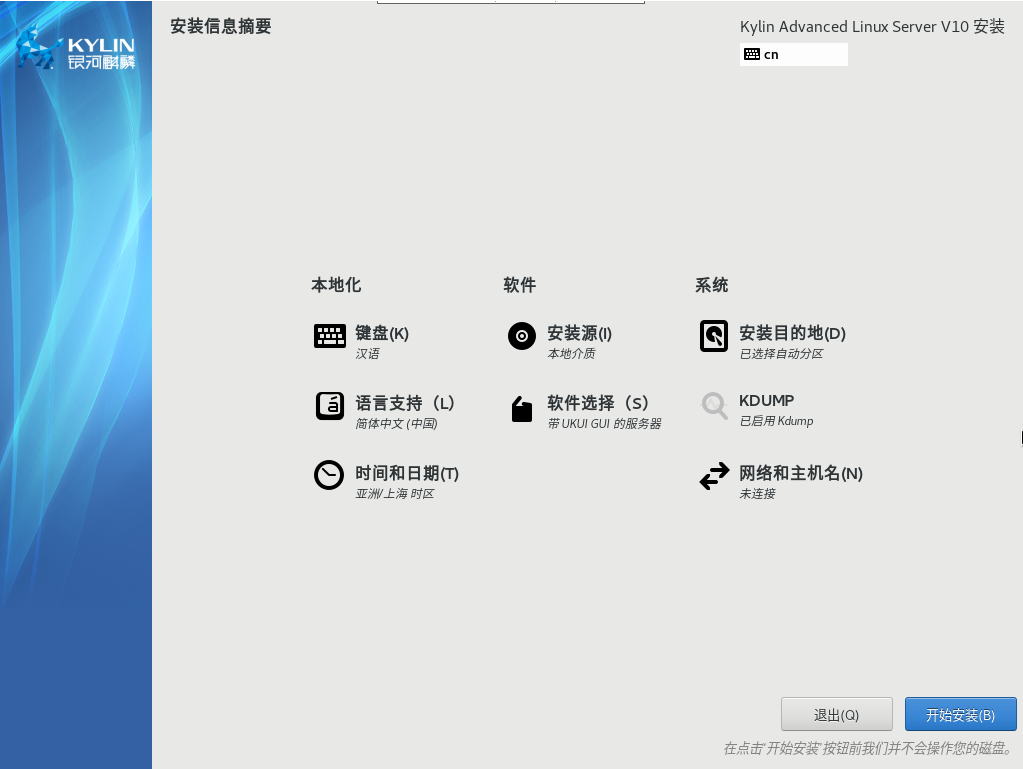
点击“开始安装”

安装过程中,可以设置“Root密码”,用户是否创建,不影响安装。
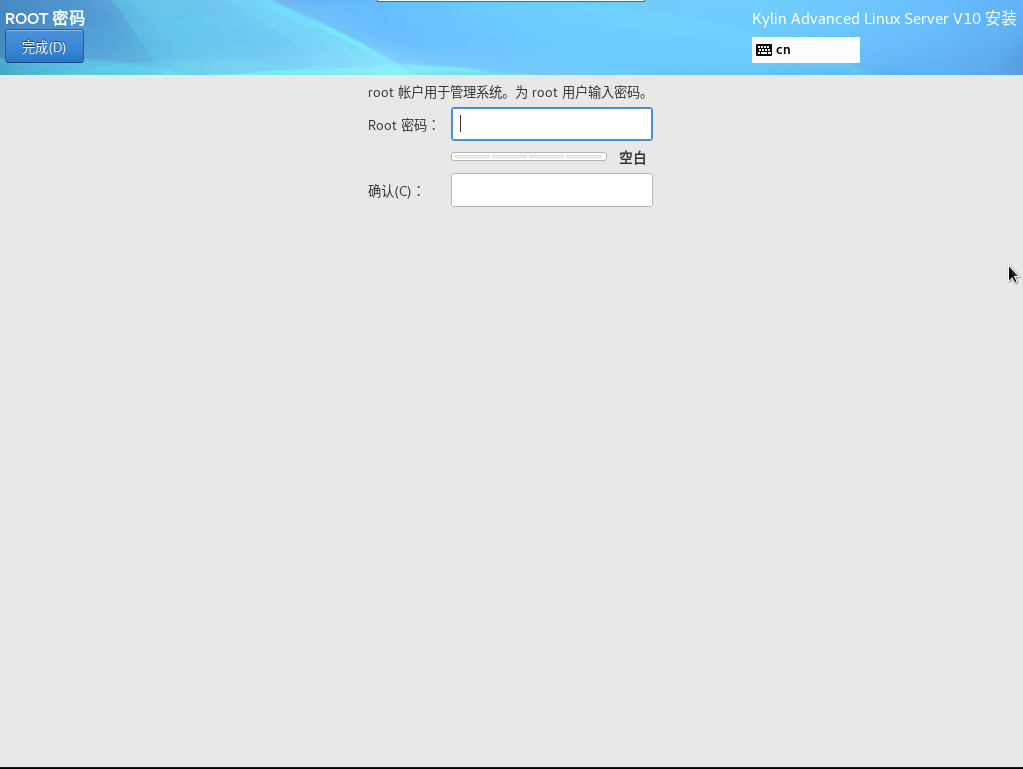
配置好密码后,点击“完成”
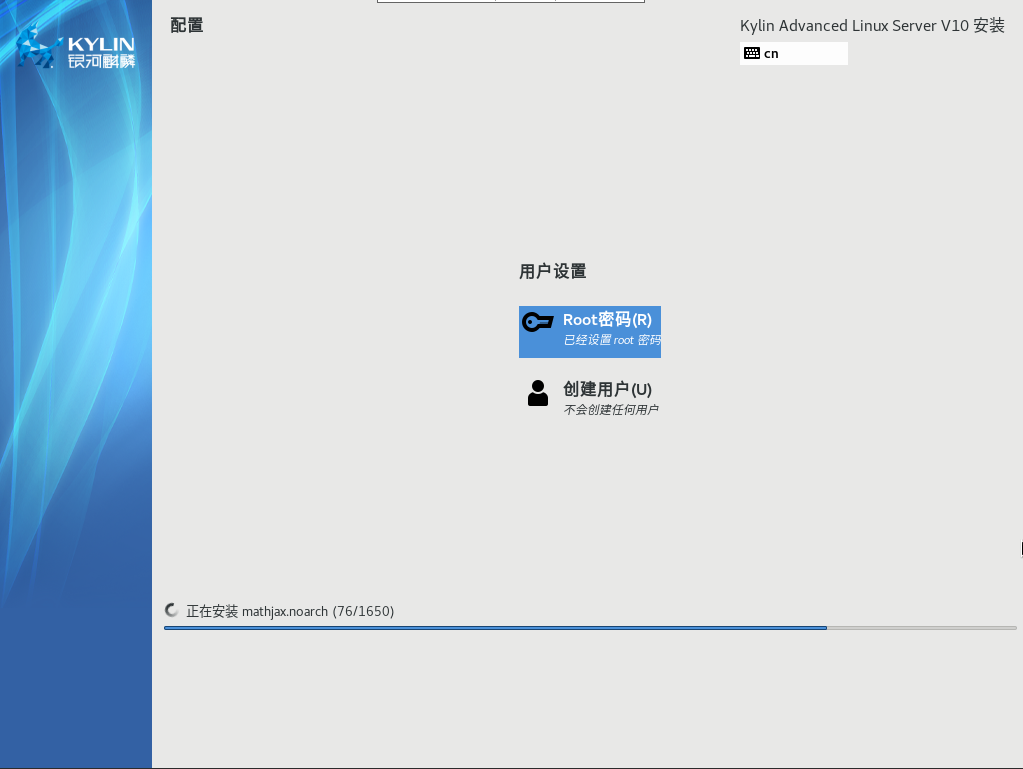
待下面的进度条跑完即可。
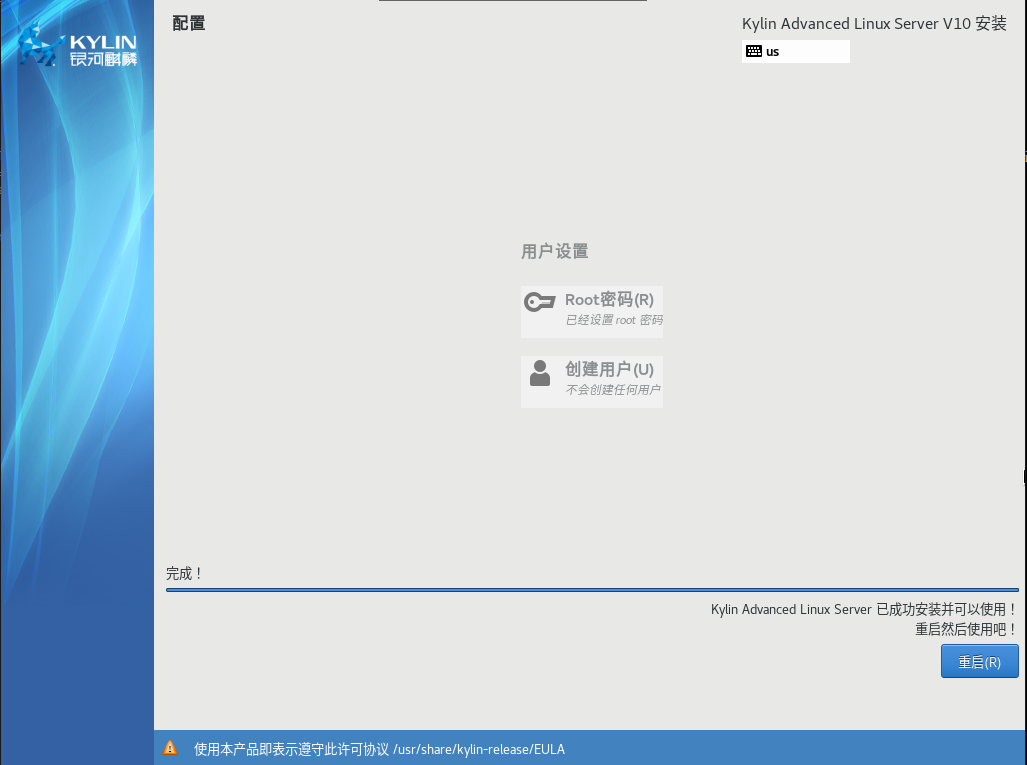
进度条跑完,点击“重启”
题外话:重启后它不会自动启动。它仍处于shut off状态。我需要手动启动它
需要添加:--wait = -1(未验证)
我这先手动操作启动
# virsh start Kylin_v10_8
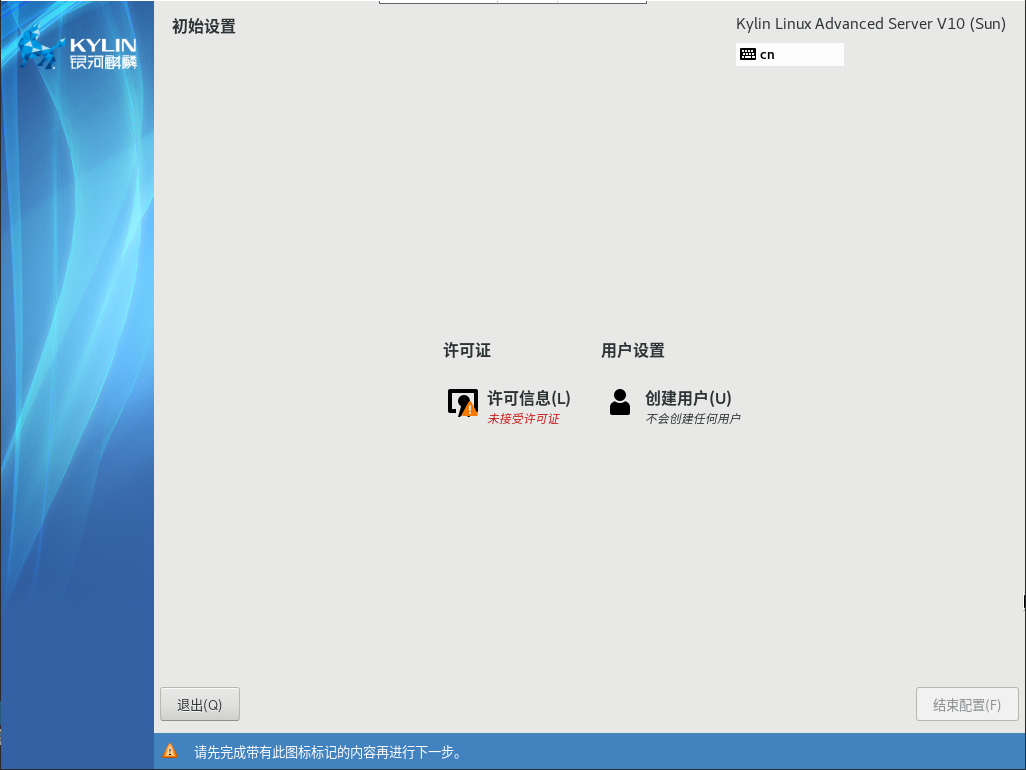
点击“许可信息”,勾选下放的“我同意许可协议”,再点击完成。
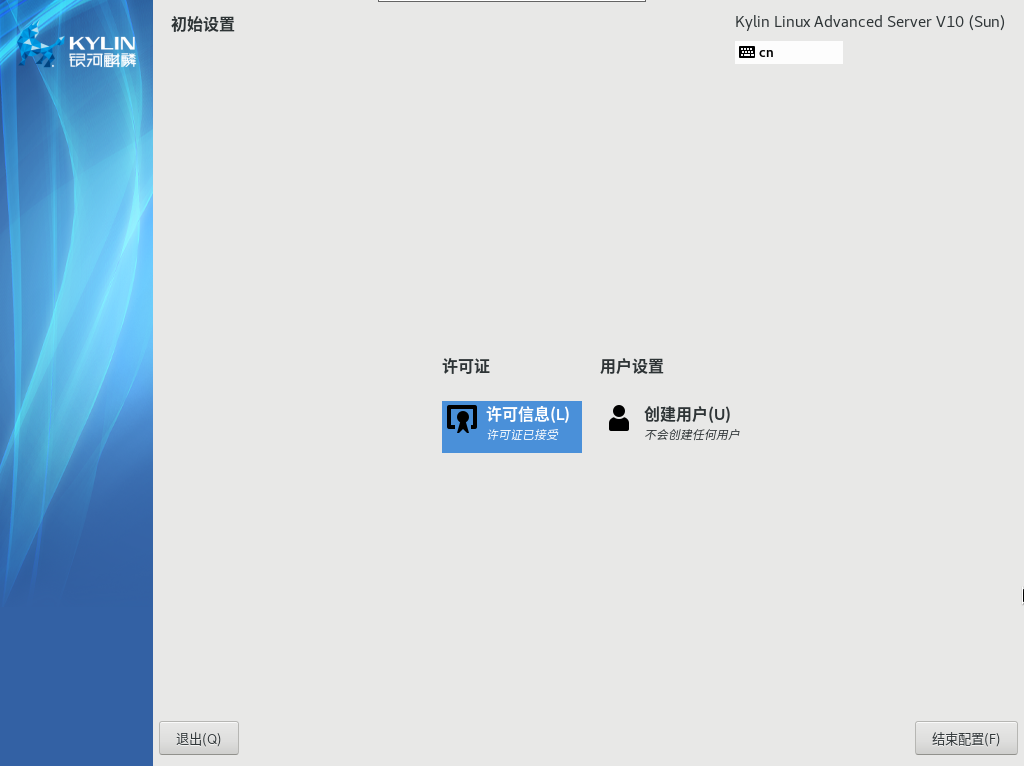
点击“结束配置”后,进入系统。
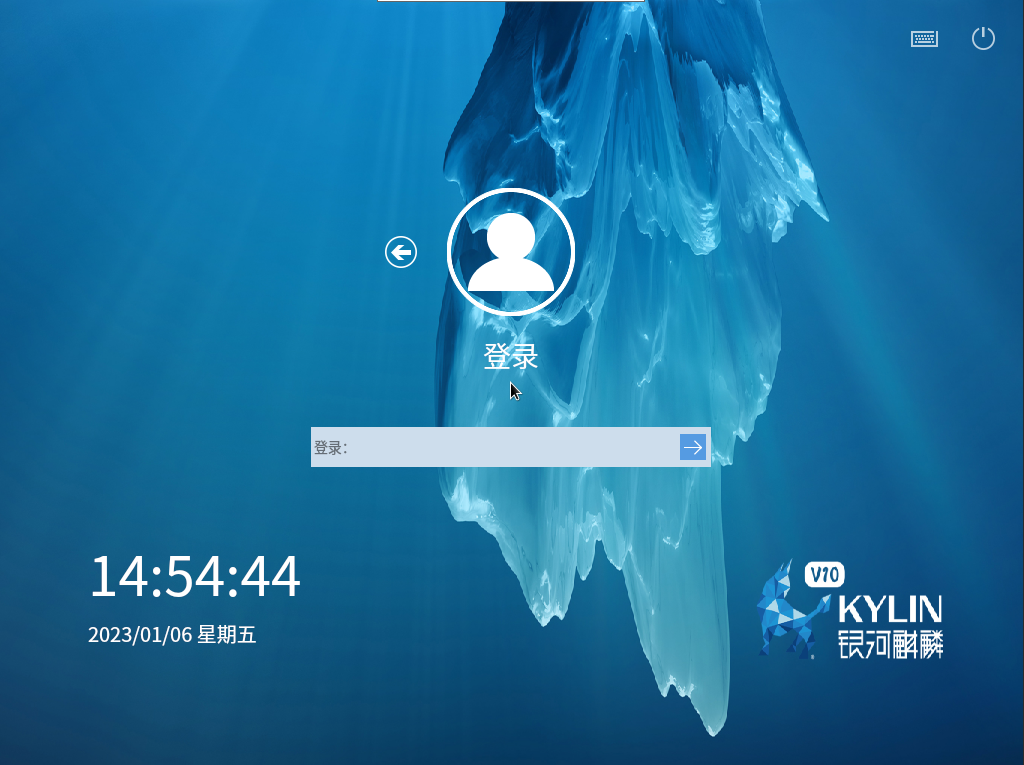
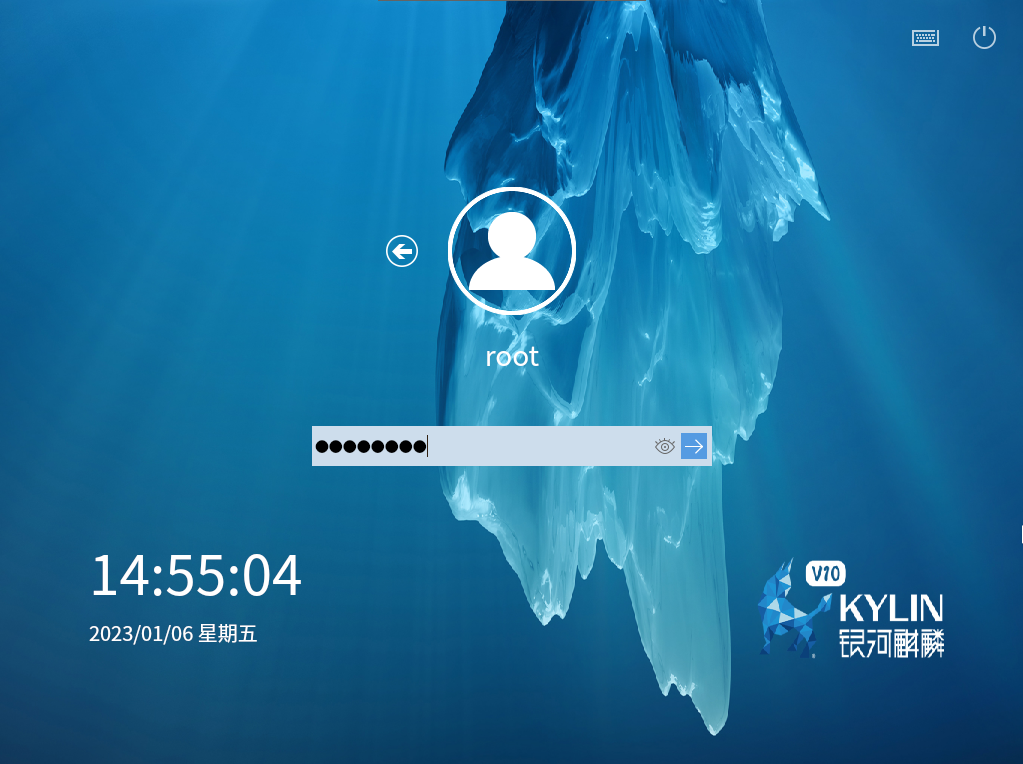
输入账号密码,进入系统
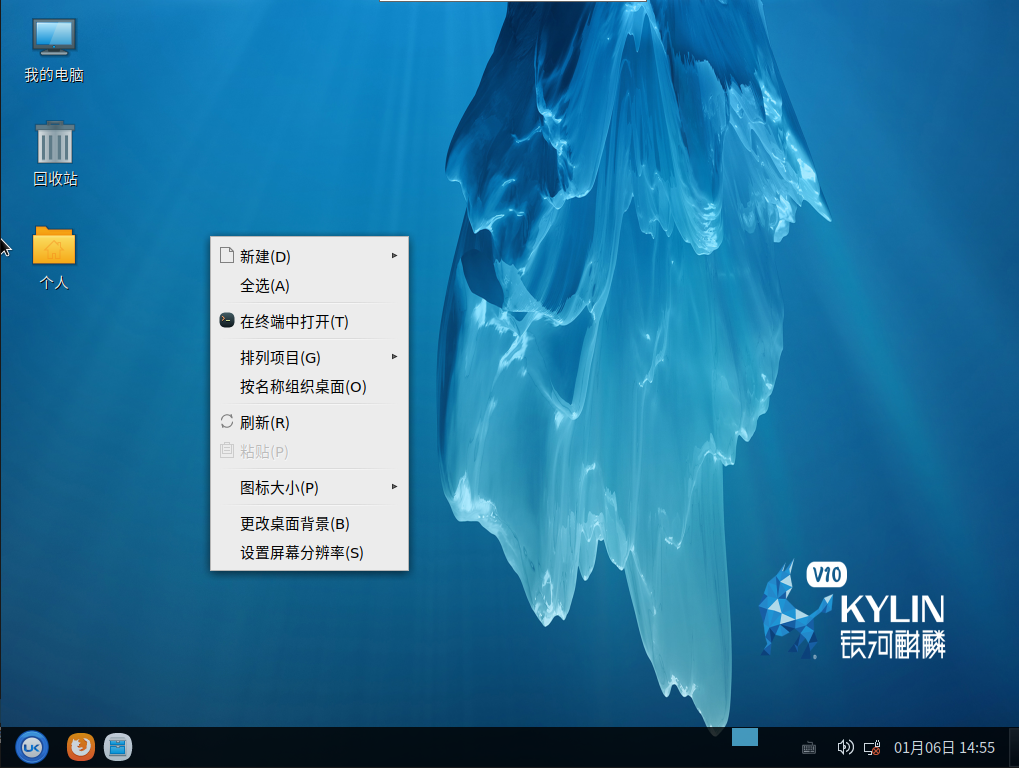
桌面右击点击“在终端中打开”
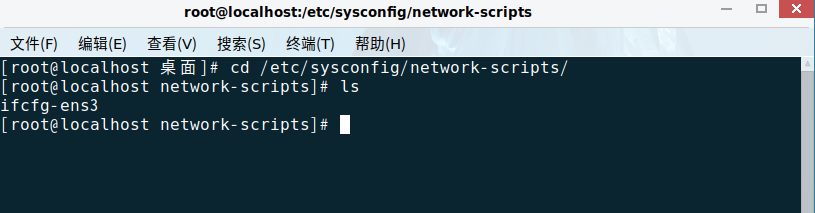
配置网卡IP
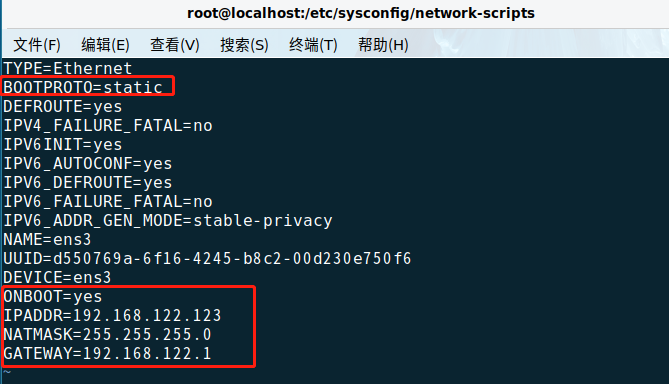

猜测是沿用centos8的启动方式:
https://blog.csdn.net/Enchanter06/article/details/124829229
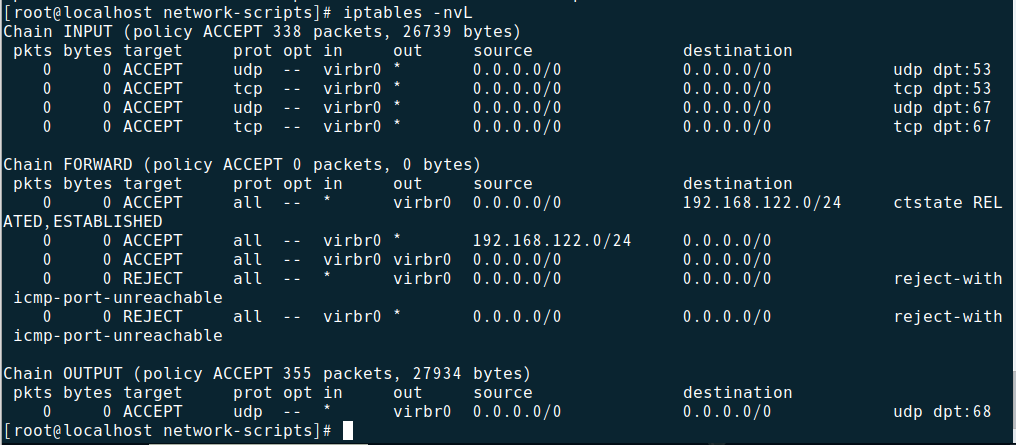
安装完,可以正常出网,但是局域网设备ping不通该设备,发现iptables开着,目前没有使用,将防火墙关闭: